
A Sold-Out Halloween Night
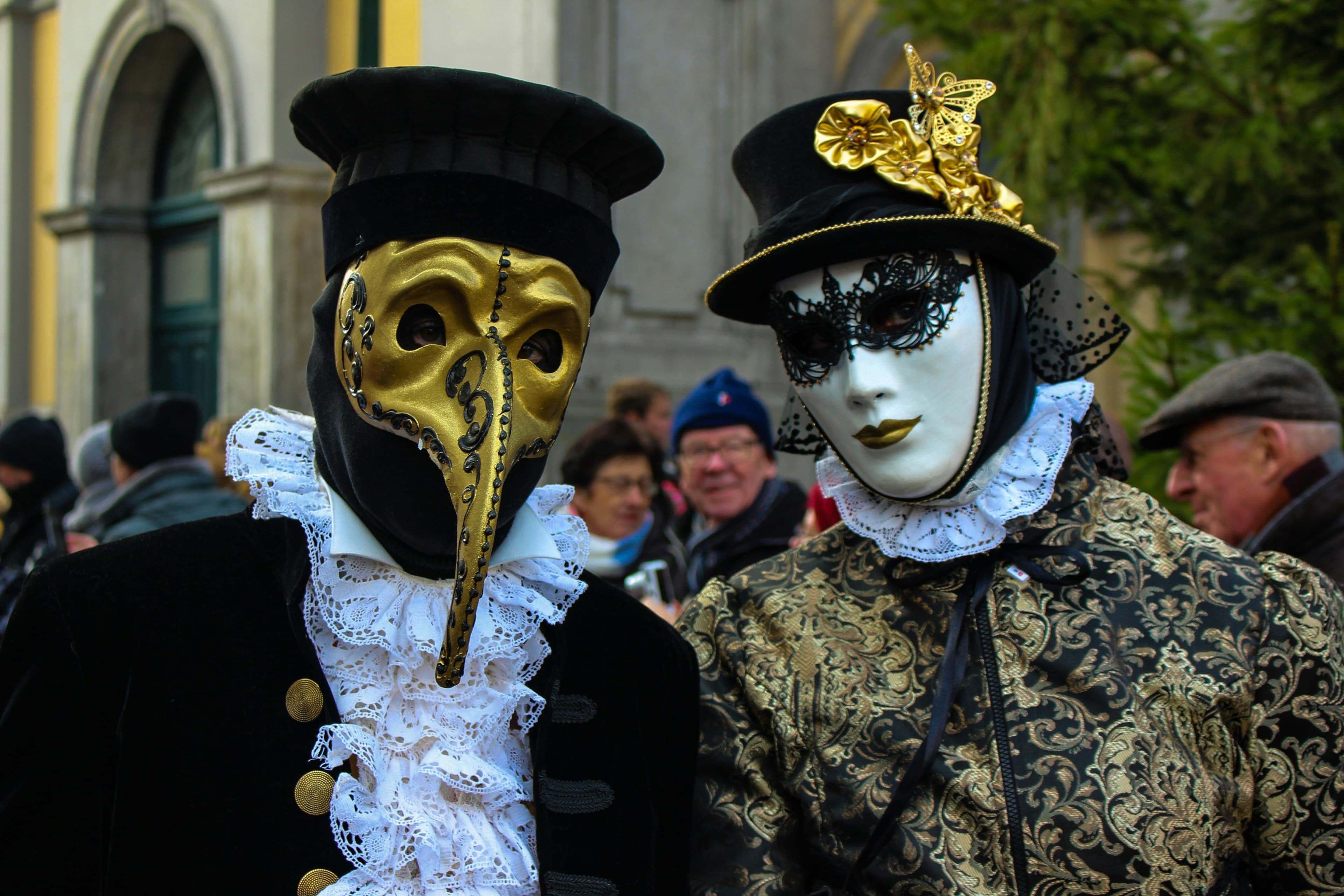
Bierstadt Lagerhaus is a lager brewery in Denver. This Halloween, it sold all 600 tickets to its party. The night had one big event: the costume contest.
Chris Rippe ran the contest on PollQR. Guests sent in a photo of their costume from their phones. Then the whole room voted, also from their phones, while the entries played on a big screen.
How the Contest Worked
A PollQR photo contest has two parts. First you collect the entries. Then the room votes.
- Entries. Guests scanned a QR code, took a photo of their costume, and added their name. No app, no account.
- Approval. You can screen each photo before it goes on the screen, or turn on auto-approve so new entries appear at once. On a busy night, auto-approve keeps the line moving.
- Voting. Guests scanned a second code and tapped their favorite costume. Each phone gets one vote.
- The big screen. The presenter view showed the entries and the leaders as votes came in.
The Result
About 600 people voted live during the party. Here is what Chris told us the next day:
“We used the Photo Contest feature for our Halloween Costume contest. It functioned wonderfully and everyone in the crowd was able to participate with no technical issues. We had 600 people voting live at the event. Thanks Steve and Team.”
A Screen That Runs Itself
Chris does not stand at a laptop during the party. He works the floor. So the big screen has to run with nobody touching it.
A few weeks before Halloween, Chris asked us to change the presenter view for photo contests. We made two changes. The top four entries now stay pinned at the top of the screen. Below them, every entry scrolls past on its own, so each guest sees their costume on the screen at some point in the night.
Both changes are now part of every PollQR photo contest.
What Chris Asked for Next
Good customers tell you what to build next. Chris asked for two things:
- Photos only, in full screen. In full-screen mode, hide the header and the controls, so the screen shows nothing but the costumes.
- Download all the photos. The entries are great material for next year's posters and social posts. Chris wants to download every submitted photo in one step.
Run Your Own Costume Contest
The same setup works at a bar, an office party, a school carnival or a pet costume parade. Read the photo contest guide for setup, or the step-by-step post on running a photo or costume contest with QR codes.
Photo contests are part of All Access: $19 for 30 days with no subscription, or $199 a year. One party needs only the 30 days.